 

UX… what?

“I design websites.” That’s usually the short answer for civilians.
With a little more detail? I design web-based applications.

The longer answer? I figure out how information, interactions, and visual design need to work together so people can understand where they are, find what they need, and know what to do next.

Sometimes that means untangling a complicated platform. Sometimes it means shaping a product before there’s a screen to design. It starts with understanding what people are trying to do—and what’s getting in their way.

What does that involve?

Design, research, and strategy—three connected ways I turn complex requirements into experiences people can use.

Make complexity usable.

A platform can have all the right features and still leave people wondering what to do. I work on the connections: between information, actions, screens, and the people using them.

  • Interaction design: What happens when someone takes an action? I shape flows, navigation, and feedback so the next step makes sense.
  • Information architecture: When content and functionality get tangled, I organize them into structures people can navigate and understand.
  • Visual design: Typography, color, spacing, and hierarchy help people recognize what matters and make the experience feel coherent with the brand.
  • Information design: I turn dense content into something people can scan, interpret, and act on.
  • Service design: I look beyond an individual screen to understand how a digital interaction connects with the wider experience.

The question behind it: Can someone understand this without needing us beside them to explain it?

Look beyond our assumptions.

Knowing a product well can make it surprisingly hard to see where someone else will get stuck. I look for the gap between what a team expects and what people actually understand or do.

  • Industry & competitive research: Explore the sector, compare products and approaches, and identify patterns, expectations, and opportunities.
  • User understanding: I clarify user needs and workflows through stakeholder conversations, available information, and feedback, using these insights to guide design decisions. This can include focused surveys for early testing and feedback.
  • Usability testing & evaluation: Observe how people complete tasks in a product or prototype, and use walkthroughs and feedback to identify friction and guide improvements.
  • Accessibility & human factors: Consider different abilities and ways of interacting, mental effort, clear feedback, and error prevention throughout design.

The depth of research depends on the project and the access available. When something is an assumption, it needs to remain a question to investigate.

The question behind it: Does this make sense to the people who need to use it?

Give the work direction.

There is usually more than one possible solution. The challenge is deciding which problem deserves attention, what matters most, and what can realistically move forward.

  • UX strategy: Connect user needs with business priorities and technical constraints to give design decisions a clear direction.
  • Content strategy: Decide what information people need, when they need it, and how to keep language and structure consistent.
  • Customer experience: Look across the journey to understand where expectations and actual experiences fall apart.
  • Collaboration: Bring stakeholder perspectives, product requirements, and development considerations into the same conversation.
  • Prioritization & experience quality: I balance the scope of an MVP (Minimum Viable Product) with an MVE (Minimum Viable Experience), defining a UX threshold: the minimum experience quality a release needs to meet. I work through what people must be able to understand and accomplish from the start, what can wait, and what we need to learn through iteration. That threshold gives the team concrete criteria to evaluate as the product evolves.

The question behind it: Are we making the right thing clearer, or just making more things?
How do I do it?

I connect the thinking, the design, and the making.
Bringing structure, visual design, and technical understanding into the same process.

My background spans UX, visual design, branding, and front-end development. In hybrid roles, I’ve often worked across those boundaries within the same project: organizing a flow, designing the interface, and building a prototype to see how it behaves.

My approach has grown through practice. I make connections, question what feels unclear, and turn ideas into something we can examine together. Intuition gives me a starting point; feedback, constraints, and what happens in use help me refine it.

From understanding to making

Four moments in my design process—
not always linear, often interconnected.

Step 1: Find the real problem

I work through requirements with stakeholders and product teams: who needs this, what they need to accomplish, and where the current experience gets in the way.

Taking shape as: clarified requirements, task flows, content inventories, and a shared view of the challenge.

Step 2: Give it a structure

I connect content, tasks, and functionality before getting lost in individual screens. This is where a complicated set of requirements starts to become a usable experience.

Taking shape as: information architecture, navigation, user flows, sketches, and wireframes.

Step 3: Make it tangible

I develop the visual language and interactions, then choose the level of prototype the question needs. Sometimes a simple mockup is enough. Sometimes we need to click, type, and experience the behavior.

Taking shape as: interface designs, visual guidelines, clickable prototypes, and functional HTML/CSS prototypes.

Step 4: Work it through

I review, gather feedback, adjust, and collaborate with developers as the experience takes shape. Details that looked straightforward in a mockup often need another look in implementation.

Taking shape as: refined interactions, documented decisions, implementation support, and a more coherent experience.

The process adapts to the project. The intention stays consistent: make the experience clearer, more useful, and possible to build.

A connected skill set.

I can move between the bigger picture and the details: how a platform is organized, how a particular interaction behaves, and how the visual experience holds together.

That combination helps me communicate across product, brand, and development teams—and carry an idea from an early conversation into something people can actually try.

Product & experience

Product Design UX & UI Design UX Strategy Information Architecture Interaction Design User Understanding Usability Evaluation Industry & Competitive Research Survey Design Usability Testing Experience Prioritization UX Quality Criteria Accessibility

Visual language & systems

Design Systems Visual Design Branding Information Design Responsive Design

Flows, prototypes & implementation

User Flows Wireframing Prototyping Code-Based Prototyping HTML & CSS Front-End Collaboration

How I work

Systems Thinking Simplifying Complexity Autonomy Problem Solving Adaptability Cross-Functional Collaboration

The tool follows the question.

My toolkit has evolved across projects—from visual design and code-based prototyping to AI-assisted exploration and production. These are tools and technologies I’ve worked with along the way.

Design & prototyping

Figma Canva Adobe Photoshop Adobe Illustrator Adobe InDesign Adobe XD Microsoft Visio Miro Lucidchart

Code & web

HTML CSS JavaScript jQuery Bootstrap Dreamweaver Notepad++ WordPress SQL Classic ASP Microsoft Access

AI & creative exploration

ChatGPT Codex ChatGPT Work Claude Gemini

Teamwork & delivery

Microsoft Office Google Workspace Slack Basecamp Jira Assembla TFS

Audio & video

Adobe Premiere Pro Filmora Audacity
Earlier tools in my practice

Earlier projects also involved tools such as Adobe Flash, InVision, Microsoft SharePoint Designer, and Macromedia Dreamweaver.

AI & Creative Technology

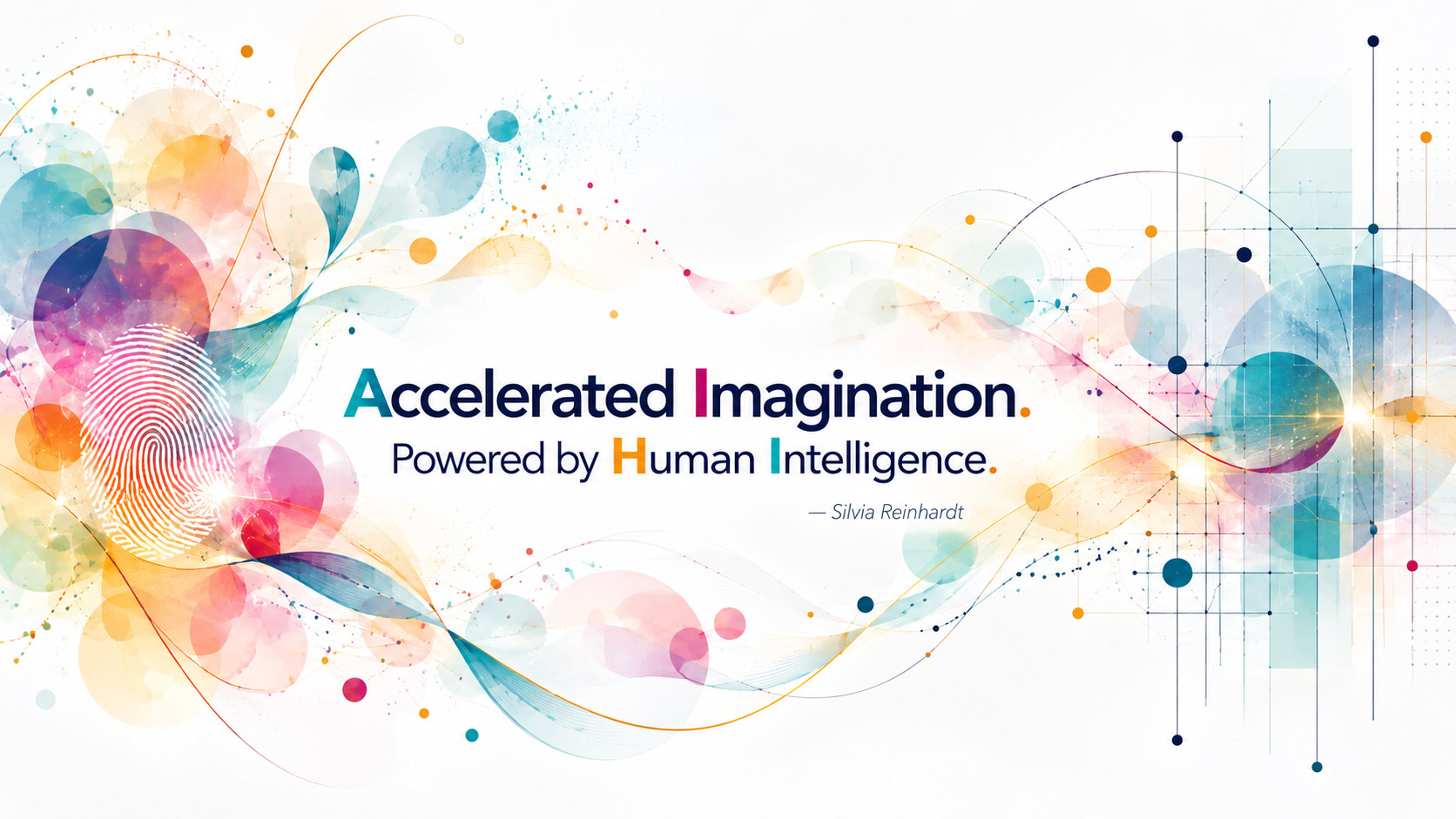
AI with HI: Accelerated Imagination powered by Human Intelligence, by Silvia Reinhardt

I think of AI not only as SilviaAI Intelligence, but as Accelerated Imagination—powered by Human Intelligence. Technology can expand the speed and range of exploration, but intention, judgment, empathy, and meaning remain human responsibilities. I use AI as a creative and strategic collaborator: a way to explore possibilities, challenge assumptions, and give form to ideas without surrendering the human perspective that gives them purpose.

I incorporate AI throughout the creative and strategic process—not as a substitute for design thinking, but as a way to expand exploration, make ideas visible earlier, and move more efficiently between concept and execution.

From possibility to practice

What if I could make an idea visible while it’s still taking shape? Explore another direction without starting over? Build something concrete enough to have a better conversation about it?

From prompting to creative direction

Working with AI is not simply about writing a prompt and accepting an output. It involves defining intent, providing context, directing visual and conceptual choices, evaluating results, identifying what does not work, and iterating toward something purposeful.

The value comes from the conversation between human judgment and computational possibility.

Where it enters my work

  • Developing visual narratives for case studies.
  • Exploring brand-transition concepts and contextual interface mockups.
  • Comparing content structures and refining UX documentation.
  • Supporting front-end problem-solving and prototyping.
  • Making complex ideas easier to discuss through visuals.

What it accelerates

Exploration, visualization, comparison, iteration, documentation, and production. It helps me consider more possibilities and bring ideas into a form we can evaluate sooner.

What I remain responsible for

Intent, context, empathy, aesthetic judgment, priorities, and the final decisions. I question the output, check it against the project, and take responsibility for what I choose to use.

AI: Accelerated Imagination HI: Human Intelligence

Luna AISilvia Reinhardt’s Portfolio Assistant